

Motion graphics from a script, not a timeline
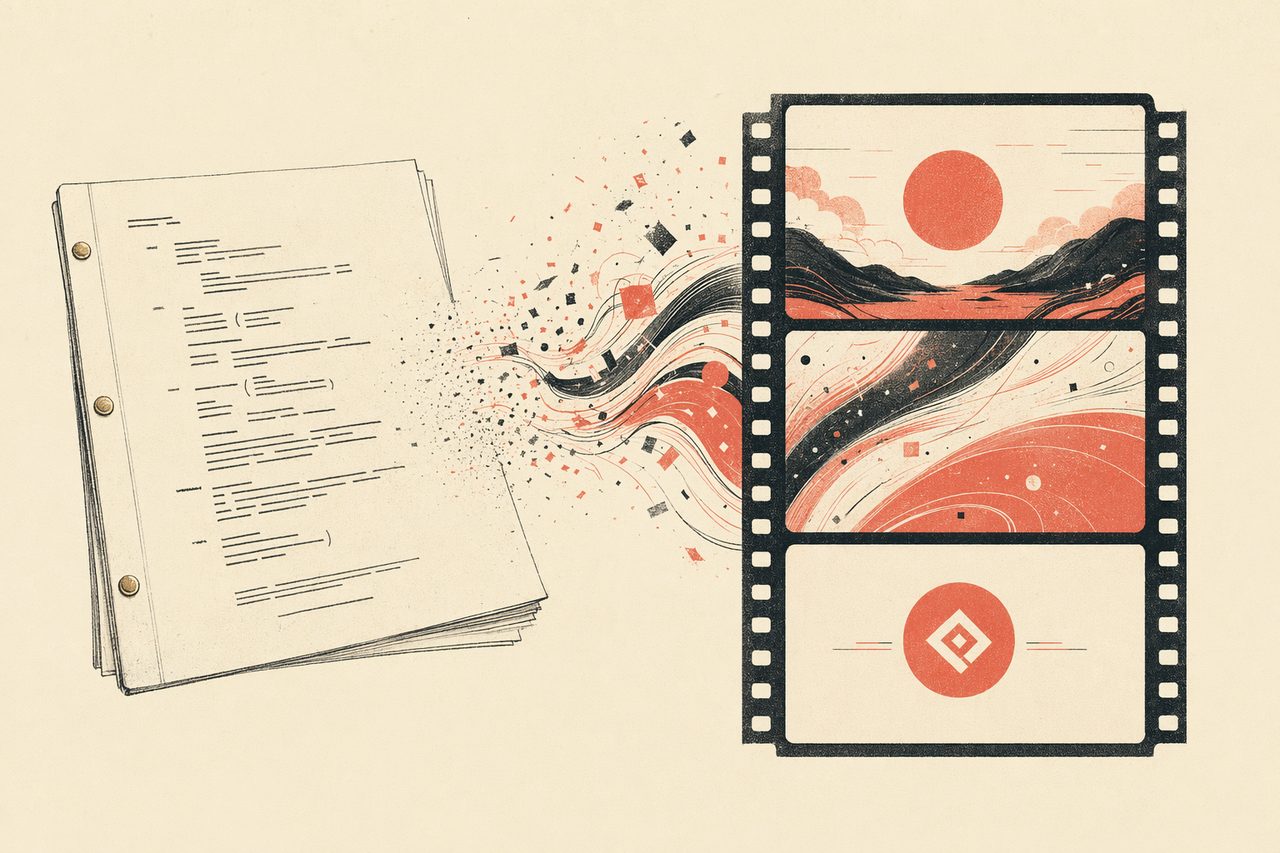
Describe the moment you want — a title reveal, a data animation, a logo outro. OpenDesign composes animated frames with your brand system and renders them to video, no motion-graphics suite required.
In one line
OpenDesign turns a script into animated, on-brand frames your agent renders to short-form video — composed from HTML, versioned in your repo, with no timeline editor to learn.
How motion works with OpenDesign
- 01
Describe the moment
Say what should happen — "a glitch title that resolves into our logo, then a closing card." The agent loads the motion skill so it produces animated frames, not a static image.
- 02
Apply the brand & motion style
OpenDesign supplies frame templates — cinematic light leaks, glitch titles, logo outros — and applies your colors and type, so the motion looks intentional and on-brand.
- 03
Render the frames to video
Frames are composed in HTML and rendered to video, so timing and layout are precise and repeatable — no manual keyframing on a timeline.
- 04
Iterate and export
Refine by talking to the agent — "slow the title reveal, add a caption." Export short-form clips for social or product. The source stays in your project.
What you can animate
Glitch Title Frame
Digital glitch, chromatic offset, and data-corruption title frame for video transitions or cyberpunk heroes.
Light-Leak Cinematic Frame
Film light leaks, grain, 16:9 letterbox, and large serif type for cinematic openings or chapter cards.
Liquid Background Hero
WebGL-style fluid displacement background with a quote overlay, suited to video intros, landing heroes, or posters.
Logo Outro Frame
Segmented logo assembly, glow bloom, and tagline reveal for video outros or brand closing frames.
Video Shortform
Short-form video generation skill — 3-10 second clips for product reveals, motion teasers, ambient loops. Defaults to Seedance 2 but works the same with Kling 3 / 4, Veo 3 or Sora 2. Output is one MP4 saved to the project folder. When the workspace also ships an interactive-video / hyperframes skill, prefer composing several short shots into a single timeline rather than one long monolithic clip.
Live-Action Anime Adaptation: Water vs. Thunder Breathing Duel
A highly detailed, 15-second prompt for generating a live-action adaptation of an anime-style duel, featuring 'Water Breathing' (blue water dragon) versus 'Thunder Breathing' (golden lightning). The p
Motion with OpenDesign vs. the old way
| What you need | With OpenDesign | After Effects / motion suites |
|---|---|---|
| Go from script to animated frames | One prompt; the agent composes the sequence | Keyframe each element on a timeline by hand |
| Stay on brand | Frame templates + your colors and type | Rebuild brand styling per project |
| Precise, repeatable timing | Composed in HTML, rendered deterministically | Manual scrubbing, hard to reproduce |
| Export for social | Short-form clips rendered to video | Export presets and codec wrangling |
| Review & versioning | Frame source lives in your repo, diffable | Binary project file, no real diff |
| Cost & lock-in | Open source, bring your own keys, runs locally | Expensive suite, steep learning curve |
Real animated frames and clips rendered from a prompt. Pick one close to your idea and describe the motion.
Video FAQ
-
01 Do I need After Effects or a motion-graphics suite?
No. OpenDesign composes animated frames in HTML and renders them to video inside your coding agent. There is no timeline editor to learn or license.
-
02 What kind of video is this good for?
Short-form motion — title cards, data animations, logo outros, social clips. It is built for brand and product motion, not feature-length editing.
-
03 Is the timing reproducible?
Yes. Because frames are composed in code and rendered deterministically, you get the same result every time and can tweak it precisely with a prompt.
-
04 Which agents can I use?
Claude Code, Codex, Cursor Agent, Gemini CLI, and more first-party adapters, with your own provider keys.
Animate your next idea tonight
Star the repo, install OpenDesign, and turn a script into motion — in the agent you already use.